Ratings
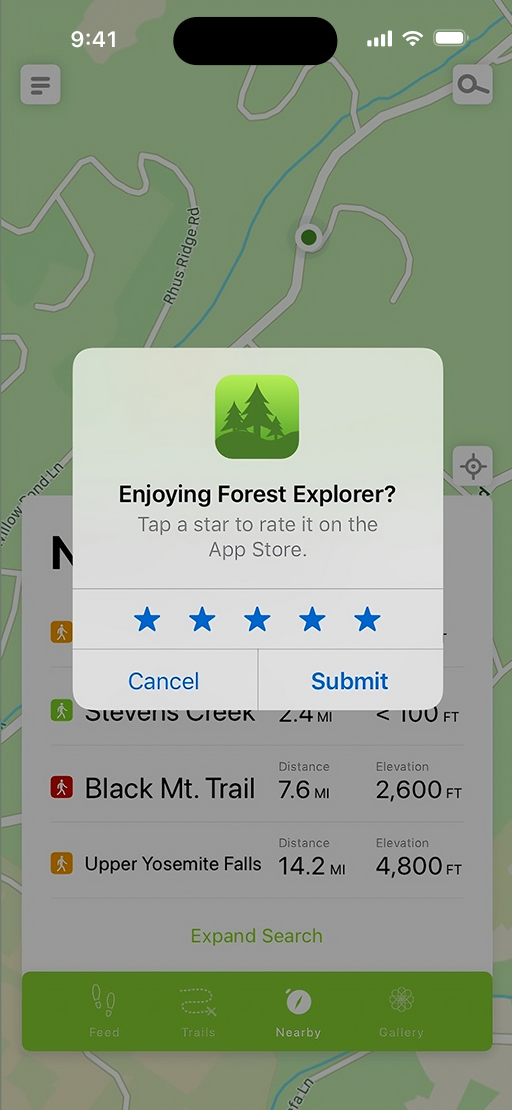
Users can rate your app on a scale of one to five stars. Individual ratings inform your app’s summary rating, which is displayed on your product page and in search results. This summary rating is specific to each territory on the App Store and you can reset it when you release a new version of your app. However, we recommend using this feature sparingly. While resetting the summary rating can ensure that it reflects the most current version of your app — which can be useful if an update addresses users’ previous concerns — having few ratings may discourage potential users from downloading your app. In addition, keep in mind that resetting your summary rating won’t reset your app’s written reviews. Users can rate iOS, iPadOS, macOS, visionOS, and tvOS apps on the appʼs product page on their device, and they can rate watchOS apps on the appʼs product page on their iOS device.
Reviews
Written reviews allow users to share more detail about their experience with an app. Users can review iOS, iPadOS, macOS, and visionOS apps on the app’s product page on their device, and review watchOS apps on their iOS device. If you choose to reset your summary rating, past reviews will continue to display on the product page.
Review summaries. To more easily learn about apps and games at a glance, people can view a review summary on your App Store product page. As part of a phased rollout, this feature is now available in 8 new storefronts, in addition to the United States. This includes English summaries in Australia, Canada, India, Ireland, New Zealand, Singapore, South Africa, the United Kingdom.
Generated using large language models (LLMs), each summary compiles highlights and key information from individual user reviews into a short paragraph. To provide people with the latest information, summaries are regularly refreshed on an ongoing basis. You can tap and hold the summary to report a concern on the App Store or report a concern in App Store Connect.