

-
Preserving presence for Apple Immersive Video: Learnings from post production
Learn how to protect presence throughout post production for Apple Immersive Video. The session covers how to review dailies on Apple Vision Pro, use editorial transitions to reset depth, maintain accurate spatial cues in audio, ensure proper 3D behavior for VFX, reduce visual noise, and grade toward an idealized yet natural look.
This session was originally presented as part of the Meet with Apple activity “Create immersive media experiences for visionOS - Day 2.” Watch the full video for more insights and related sessions.资源
相关视频
Meet with Apple
-
搜索此视频…
Hi, everyone. Thank you, France.
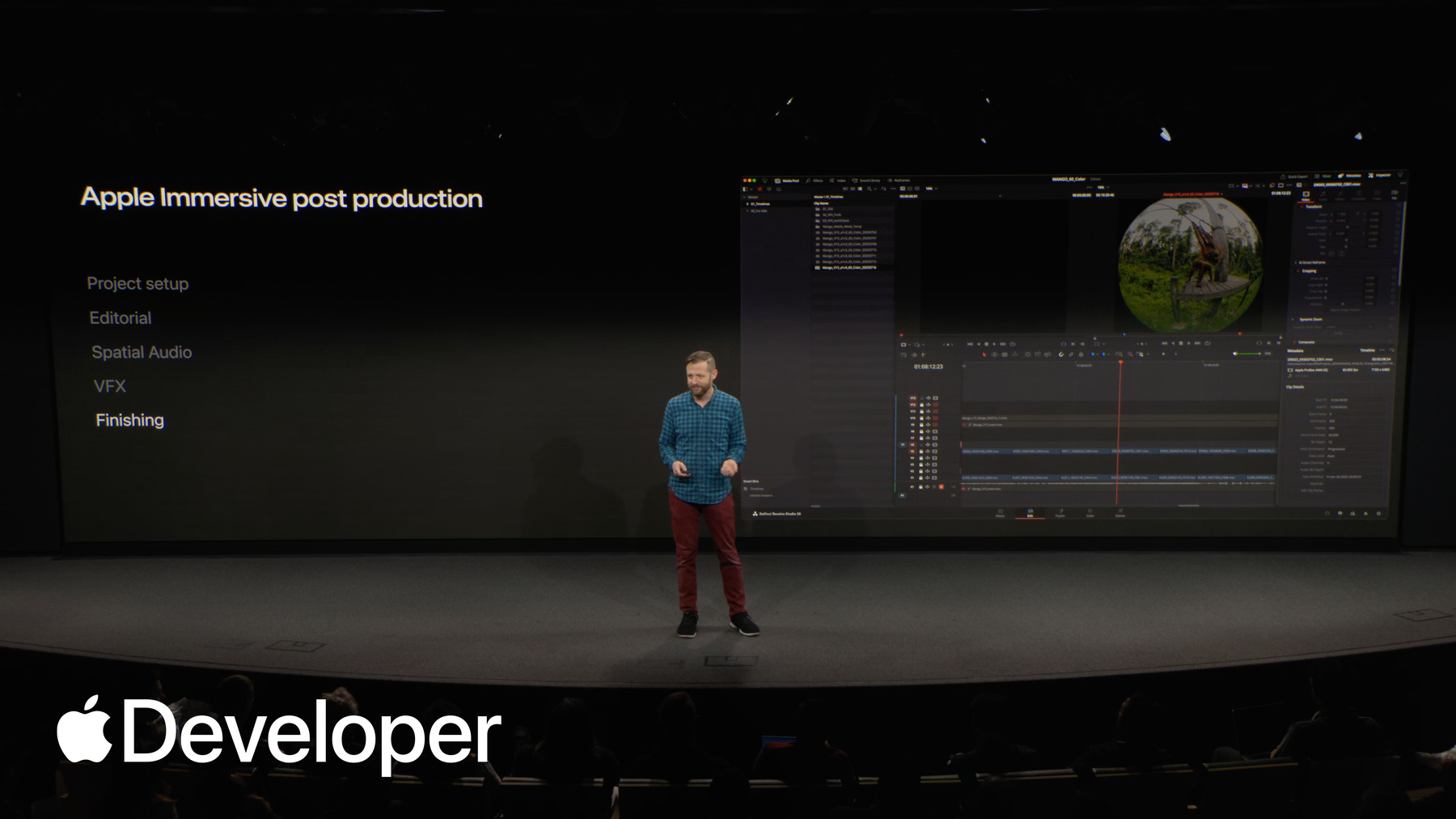
I'm Tim Amick. I run post-production for the Immersive Media team, and I represent a team of highly technical, creative folks in post that contribute to all of the Apple Immersive videos that are on platform today.
When I talk to people about immersive post-production, they often think the post-process must be an unrecognizable workflow that's suitable for engineers only. And the reality is the phases of post are quite similar to a traditional film or television project. The closest analog would probably be a giant screen 3D film, but with the introduction of the new Blackmagic workflow, it moves a lot of the technical considerations around 3D under the hood and lets you focus on creative.
So while the stages of post may be familiar, there are definitely some major differences that we consider both creatively and technically. And most of them center around the sense of presence. So for us, really the importance part of presence in what Apple Immersive Video brings is that the viewer feels like they're really there. And so in post, it's our job to protect that. And so when we get the footage, there's 100 things we could do, creative and technical, that either strengthen or weaken that sense of presence.
So when we protect that, we want to make sure that any time we're changing that sense of presence and diminishing it, it's for creative intent and it's being done on purpose. And really those efforts begin as soon as the footage hits post.
So when you bring in your footage, you're reviewing Daily's Envision Pro, which is crucial to identify the best moments from the perspective of the viewer and to get ahead of anything from the capture that could interfere with your sense of presence. You can do those reviews now directly in Resolve. The Resolve live preview to Vision Pro can work with raw media, but we use a dailies workflow for speed and accessibility across systems and for lighter weight operations during offline editorial.
So while the Blackmagic camera is certainly the best immersive camera I've ever worked with, just like any production, there's a lot of unintended outcomes that can lead to issues with what you captured.
When the goal is for the viewer to feel like they're really there, fixing or avoiding these elements in post is critical to preserving presence. The good news is, though, that the Apple immersive video enabled cameras, like the Blackmagic camera, take care of some of the most common issues that you'd be typically hunting down and correcting if you worked in immersive before, like bad 3D sync, incorrect projections, and inaccurate world scale. Again, it really lets you focus on the creative first.
It simplifies the media workflow as well, keeping camera-specific metadata attached to each shot and eliminating most of the needs for transcodes with different projections, which again, keeps you focused on creative considerations. For the people that have been working in Immersive Post for a long time, there's so many improvements moving in this direction.
Now, when you're reviewing your shots, 180 degrees is a big canvas where many small issues can hide.
And so we review both on the monitor and in Vision Pro, looking for production gear in the shot, air and crew members, really anything that can get in the way of that sense of presence. Also lens flares. Interestingly enough, lens flares, it's especially important and why I say Vision Pro review is so important. If they're in both eyes, it can actually feel comfortable and interesting and real. even though you may not have seen it if you're really there, it feels natural. For us, it's really important to see it on the screen, but also review it in Vision Pro. That's true for any issue that you see, it's got to be assessed in Vision Pro.
Anything that would distract from the reality of the experience we're trying to craft and the feeling of really being there gets noted early on.
So once we move into editorial and immersive, there are lots of special considerations. But one of the most unique ones that really shifts the way you think about things is that unlike film or television, the audience never sees the whole frame at once. They have the agency to look where they want. So because the experience is more like being present in the moment than watching something on a screen. So that means editorially every cut is really like transporting the viewer rather than just cutting to a new shot.
People will want to know where they are and why they're there. When you're taking in these complex environments that we're taking into, character actions, adding narration on top, you can definitely overload your viewer with information and they will essentially decide what to ignore. If you're not careful with your timing and pacing of how you reveal information and take people into new shots, it might be a key story point that they miss. Really, you got to avoid that information overload and assess that for how the viewer is going to take it in when it's their first time being in these shots.
So really, you're creating the illusion of freedom.
The audience can look anywhere, but you're directing their attention and making them feel like they've discovered something on their own. But you're really guiding them where to look for maximum effect. That's creatively, but also we consider the viewer's comfort when we're directing their attention.
Our editors are thinking about in z-space, when they're cutting, how far into the shot are you looking in each shot? You might be looking off in the jungle and then all of a sudden there's an orangutan right in your face. A hard cut between those two shots. can be disorienting at best, and at worst, you'll go cross-eyed.
So lots of ways to contend with this issue, but ultimately, one of the simple ones we use is a dip to black. Commonly used in video, but usually means something specific, but in immersive, it can be more like a blink. where you close your eyes and you're opening them again. It resets people's depth cues. It also leads people back towards the center. If you had them looking off to the side and you need them looking in the center, it can be useful for that. So a lot of these techniques we've learned over the years are really to take film techniques that we know and realize that they apply differently in this format and really think through what the audience's experience is going to be when they feel present.
So another huge aspect that you heard a bit from Alex Weiss earlier on our team that's building a convincing sense of presence is the approach to spatial audio. So in life, everything around us is making sounds all the time, whether it's important or not. And in reality, our brain does the job of emphasizing or raising the level of what's important to us and ignoring the things that are less important. But it's all making sounds. In immersive, that's our mixer's job.
So our sound team works very hard to ensure that everything you expect to hear in a complex scene like this is audible. It has to be heard, even if it's not the focus. It sounds obvious, but you'd be shocked how different this feels when compared to film or television and how much you can get away with not making a sound in a film like those. And in immersive, it really improves your sense of presence in that moment when you get it right and everything you expect to hear, you hear.
So in a scene like this, the elephant splashing around in a mud, ambisonic capture will get you most of the way there. But as Alex mentioned, it often needs augmenting with Foley and sound design. If any visual draws your eye, your audience will expect to hear it the way they expect to hear it, not necessarily the way it sounded. So just like if you were there, you want to assess what the audience's experience should be. Another big difference sound-wise is that B-roll, a cutaway, someone's talking about surfing and what it was like to be out there. In traditional, you wouldn't necessarily hear that B-roll because someone's talking over it. But now, it's a place you brought your viewer to. They're present in that scene. If they don't hear what's happening, even in that cutaway, they're going to feel that that feels odd. It almost feels like somebody covered your ears when you're in this shot and you can't hear what's happening. So the absence of that sound can be really distracting and take people out of it. Also, in a shot like this, the accuracy of where you track your objects to really matters. A mismatch of a speaker's voice to their mouth or the crashing waves and the movement of the character moving across the frame, if that mismatch happens, it can really throw people off. Even folks that aren't technical will just know something's not right. So it takes away from that sense of presence and reality.
Visual effects is another area where special attention must be paid to build on our audience's sense of reality. Really, in immersive, anything's possible with time and budget. But you're either trying to remove things that were there, cleaning up issues from production, or adding things that weren't actually there, like title graphics or CG elements. In the latter case, it's really important to consider that even things that aren't real need to adhere to the sense of presence created by the immersive format. So what do I mean by that? So if you have a title graphic, it still exists in this 3D space. There's no such thing really as an overlay because everything occupies a place in the world. So when you shoot a shot like this, you actually have to place the titles in an open spot in the canyon. You can't overlay it in the middle of the rock because people will go cross-eyed or just feel that that doesn't look right. So you need to plan for it in production or find an open spot for it in post.
Also, in something like a title graphic, tricks that are used in design that would work on a flat screen like 2D bevels or drop shadows or texture that would normally create fake depth will be really noticeable once you're in a real 3D space because you ultimately will see that it's a flat texture that's made to look like it has depth. And so you really need to design thinking for either creating the real depth of that object, which you can do, or avoiding a trick like that altogether and letting it be flat because people will see that it is flat. Additionally, the light of a scene really matters for this. You can decide, is the title going to take on the light of an environment and feel like it's really there? That's an option. Or you can ignore that and you can just make it feel like an overlay, which can work as well. But both need to be planned for in the visual effects process.
Also, with full-scale 3D CG like our Prehistoric Planet Immersive series, the level of scrutiny for realism is higher than ever because the user feels like they're really there. So the light, the movement of the characters, and the environments around, the physics of objects, and your camera movements all need to feel real to maintain that sense of presence. So anything that would seem odd if you were really standing there will stand out to the viewer, even to folks that aren't technical. That viewer scrutiny will carry over into the finishing process.
So online color and final finishing touches really make sure the last mile to a seamless sense of presence for your viewer isn't distracted by image noise, compression artifacts, or other technical imperfections we wouldn't expect to see if we were where the camera was.
As I mentioned earlier, any production can have issues somewhere along the way, and the finishing process is our last chance to kind of address anything that's still distracting from that sense of presence. So even well-shot images in this format need a denoise pass.
This is really important because the noise is, number one, different in each eye. So it causes issues with the viewer's sense of depth, but also really helps for compression quality down the line when you're optimizing for what the viewer is really going to see when it's released. Additionally, the compression artifacts that you can see here, that's a result of either not denoising enough or not paying special attention to other elements that can make the scene more complex to compress.
You need to address those because those compression artifacts, you've never seen anything like that in real life. It's going to really stand out to you. Also, because they can be different in both eyes, that can cause discomfort and distraction. You really need to assess that effect in Vision Pro.
When moving on to creative color, one of the principles that we use is that idealized reality is a really good starting point for us.
Not just what it was like really being there, but actually what's the best version of what it could have been. And that's what you could bring to people in this format.
So you start with a realistic image as it was on the day you shot it. And of course, you want to improve that experience for people. Now, you can still do stylized looks. There's lots you can do in the color room, just like you could in a traditional film. But really, there's a power to pushing things right to the limit of where they maintain that sense of authenticity.
If the sunlight hitting the grass crosses that line from the warmest light you can remember into a color you've actually never really seen in real life, it can break the magical illusion that you're experiencing things just as they really happened, which is the power of this format.
So as I said at the beginning, don't forget also that no audience will ever experience the color of your full scene at once. They'll see the color and composition of wherever they're looking, which is what makes that live preview and resolve so critical to getting the feeling just right for people. Anyone in a traditional color suite knows you've got to color match your monitor, but And you do use that monitor in our workflow, but it will never actually match, even when the colors match, it'll never match the feeling of being inside the image. And so because of that, you need to grade for that experience of being inside the image, inside the experience, and that's a whole part of our color process.
So these are really just a few examples of the places our post team pays special attention to how to maintain that sense of presence.
And that's one of the superpowers of Apple Immersive Video. But if I could leave you with just one takeaway after many years working in immersive, it sounds obvious, you've heard it before, but it's that important. It is to make sure everyone making decisions creatively and technically are doing it in Vision Pro. The tools are easier than ever, and it's the only way to assess that sense of presence. And any one element that distracts or feels fake that you might not catch on a monitor will distract from that illusion. If director Edward Berger can review in Vision Pro while in a submarine, your directors and producers and posts can do it too. So a little plug for later. We'll go into some more detail on some of the concepts I touched on here in our post-focus seminars later. But really, I wanted to say for myself, I'm so excited that with this new camera and pipeline and format available to more than just our internal team, I'm incredibly excited to see what you all do with the superpower of presence in your immersive projects. Thank you.
-